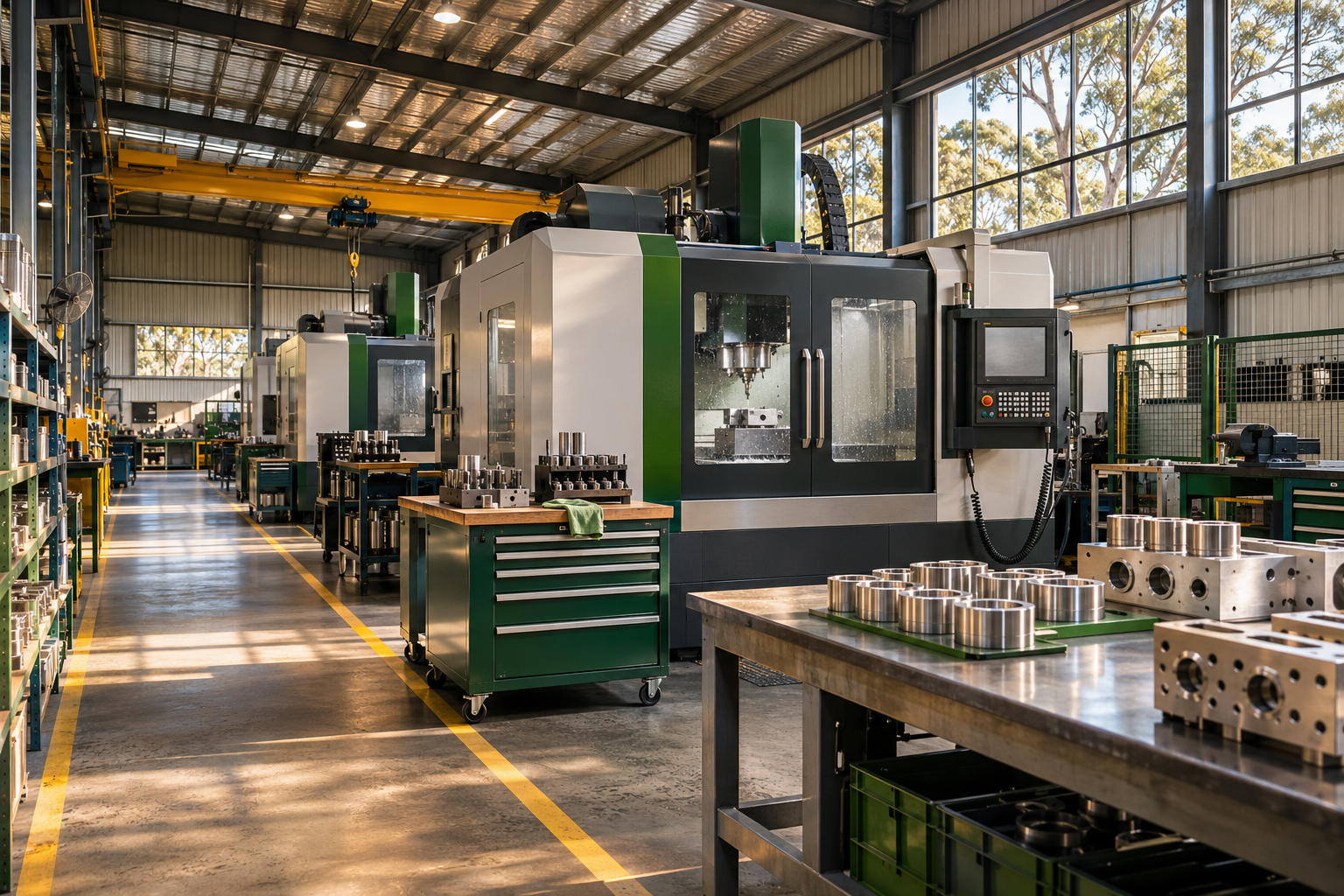
 INDUSTRIAL & MANUFACTURING
See the job. Understand the cost.
Bring materials, labour, purchasing and billing together around the job, with the accounting detail close at hand.
Explore jobs and connected operations
CONNECTED ERP. BUILT AROUND YOUR BUSINESS.
One connected business.
One clearer way to work.
From sales and stock to jobs and accounting, put the whole picture in your team’s hands. Connected ERP with fewer interruptions and more control over the detail.
Cloud subscriptions via Azure Virtual Desktop
One order. The whole picture.IllustrationFROM ENQUIRY TO INSIGHT
Customers, quotations & sales
Stock, purchasing & jobs
Accounting, reporting & audit detail
One main form. Related detail in tabs.
Concept illustration · Not a GO application screenshot
Built for the way
your business operates.
WHERE THE WORK HAPPENS
Connect the physical work with the financial picture. Bring materials, stock, purchasing, jobs and accounting into the same conversation.
INDUSTRIAL & MANUFACTURINGBring materials, labour, purchasing and billing together around the job, with the accounting detail close at hand.
Explore jobs and connected operations WAREHOUSING & DISTRIBUTION
See stock across locations and warehouses. Connect allocations, transfers, purchasing and sales with the transactions behind them.
Explore a connected stock workflowAI-generated industry illustrations; not photographs of GO customers or facilities.
YOUR NEXT ERP SHOULD MAKE WORK EASIER
A connected system matters most when it helps your people get on with their day.
Keep the task in one main form. Tabs and subforms bring related information into context, without unexpected pop-ups.
See the single-form approachFollow a figure to its source. Use audit drill-down and supported recalculation tools to understand what sits behind it.
Explore data integrityConfigure GO around your business. User-defined profiles control access and the actions each person can perform.
Get your questions answeredTHE GO PHILOSOPHY
Less is more. Across GO’s modules, work generally happens within one main form. Tabs and subforms bring related information together, without disruptive, unexpected pop-ups.
Move from a sales order to its stock position or accounting detail without losing sight of the work in front of you. Highly configurable by users, GO supports the way your business works.
Explore the tabs in this illustration.
Business workspaceExample Company / Main WarehouseSALES ORDER
| Item | Qty | Unit price | Amount |
|---|---|---|---|
| Precision componentPC–100 · Stock item | 20 | $125.00 | $2,500.00 |
| Assembly serviceAS–200 · Service | 1 | $350.00 | $350.00 |
Items, services and related activity — together in context.
| Location | On hand | Allocated | Available |
|---|---|---|---|
| Main WarehouseExample location 01 | 80 | 20 | 60 |
| Regional WarehouseExample location 02 | 35 | 5 | 30 |
Understand the stock position behind the order.
Trace the relationship. Understand the underlying transaction.
CONFIDENCE IN YOUR NUMBERS
Data accuracy and integrity are central to GO’s design. Follow the detail, investigate an irregularity and put the numbers right.
Discuss your requirementsTrace reported figures through accounting entries to the transactions behind them.
In supported areas, authorised users can double-click suspect data to invoke checks, recalculation or correction from base transactions.
User-defined security profiles determine who can access information and which actions they can perform.
CONNECTED FROM THE START
From the first quotation to the financial detail, GO connects the work that keeps your business moving.
Bring quotations, orders, invoicing and customer information into connected workflows.
From enquiry to invoiceSee stock across locations, with transfers, allocations and the transactions behind each item.
Know what is whereFollow purchasing through quotations, orders, shipments, receivals and costing.
Keep supply in viewConnect materials, labour, timesheets, purchasing and billing around the job.
See the work and its costLink operational activity with ledger accounts, journals and bank reconciliation.
Understand the financial pictureInvestigate results and follow audit detail back to the underlying transactions.
Get behind the numbersInstall new GO application versions without bringing down the system. Run period processing independently across ledgers, with prior-period posting where configured and authorised.
MAKE AN INFORMED CHOICE
Considering MYOB, SAP, Microsoft or NetSuite? Start with your daily tasks, your controls and what is included in your subscription.
| Product | Delivery | What to explore |
|---|---|---|
| Business | Cloud subscription via Azure Virtual Desktop | Single-form workflows, user configuration, recalculation and audit drill-down. |
| MYOB Acumatica source (opens a new tab) | Cloud ERP | Financials, inventory, projects and operations. |
| SAP Business One source (opens a new tab) | Cloud or on-premise | Accounting, purchasing, inventory, sales and customer relationships. |
| Dynamics 365 Business Central source (opens a new tab) | Cloud business management | Finance, sales, service and operations; check the edition and implementation scope. |
| Oracle NetSuite source (opens a new tab) | Cloud ERP | Accounting, orders, inventory, projects and supply chain. |
A starting point, not a feature ranking. Availability, licensing, modules and implementation vary. Product names link to vendor sources.
A CLEARER START
Understand how GO is delivered, how people work in it and what to bring to a conversation.
GO is available by cloud subscription through Azure Virtual Desktop (AVD). The website introduces GO; your business application runs in the virtual desktop environment. Discuss your users, access needs and subscription scope with Nicola.
Across forms and modules, operations generally take place in one main working form. Tabs and subforms bring related information into view, keeping the task together without unexpected pop-ups. The workspace above illustrates the principle; it is not a screenshot of the application.
Yes. GO is highly configurable by users, with user-defined security profiles controlling who can see information and perform particular actions. Configuration and correction capabilities remain subject to those permissions.
Use audit drill-down to follow the figure back to its source transactions. In supported areas, authorised users can double-click suspect data to initiate checks, recalculation or correction from the underlying transactions.
Bring a typical order, a stock or warehouse question, a job-costing example and a report you rely on. Tell Nicola how many companies, locations and users are involved, which currencies and languages matter, and where your present system makes work difficult.
LET’S TALK ABOUT YOUR BUSINESS
Bring an order, a warehouse question or a report you rely on. Explore how GO could work for your business in a personal conversation with Nicola Rosato.
Book your GO demonstration